
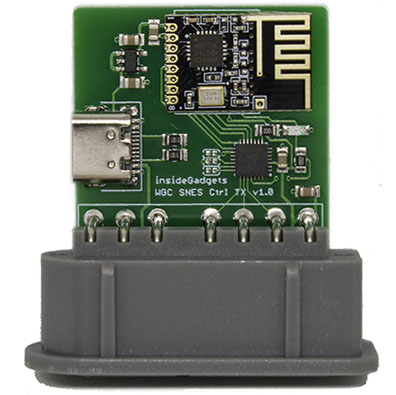
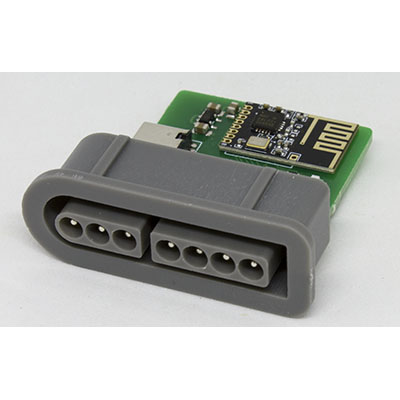
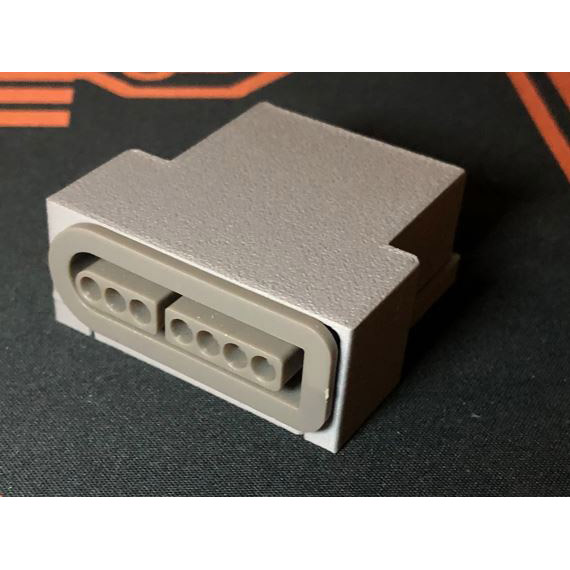
Description
You will also need a receiver as a minimum to get started.
You can have multiple receivers per transmitter and you can use the same receiver for different wireless controllers. Any receivers/transmitters you purchase will be paired together. If you are unsure about your use case, please send us a quick email to support@insidegadgets.com.
Please note that there is no encryption or security available for these devices, while this should pose no issue for home users, it would be possible for an attacker to potentially take over your controls or block your control.
Normal functionality
The SNES TX Adapter LED should be lit solid.
If you see it blinking, you may have press L trigger as the first key when powering on. Please power cycle it.
Troubleshooting
Receiver’s LED keeps blinking? Might need to be re-paired together.
- Turn everything off.
- Power up the SNES TX Adapter
- Press the L trigger key, you should see the adapter blink very quickly.
- Turn on the receiver and you should see 2 blinks of the light.
- Power cycle the SNES TX Adapter and it should work
Reviews
There are no reviews yet.